
Faster, Smarter Customer Service

Deliver top-tier support, track requests, resolve issues, and boost customer retention.

Support made simple

Explore the tools and features Yooma provides to boost your business

Ticket Management & Resolution

Exceptional support starts with organized, efficient ticket handling.
Yooma Service provides the backbone for your support team’s day-to-day operations, helping you deliver timely and personalized assistance at scale.

Automate ticket assignment, collaborate seamlessly, track progress, and ensure no issue falls through the cracks.

Built-in SLAs, audit logs, and smart workflows help maintain high-quality service and improve customer satisfaction.
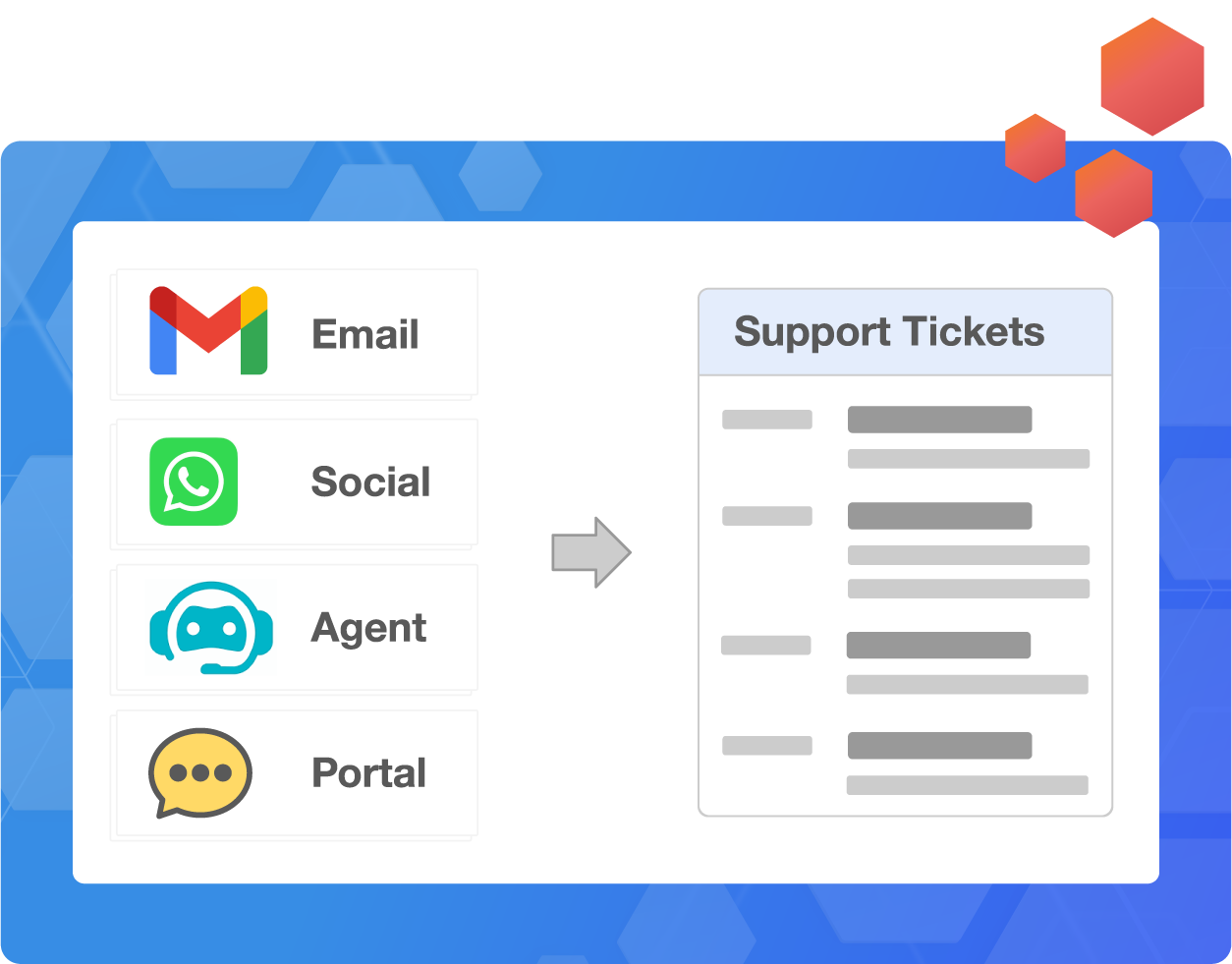
Omni-Channel Ticketing

Manage all customer requests, from email, chat, phone, or social media, in a centralized system for a unified support experience.

Smart Ticket Assignment

Automatically route tickets to the most appropriate agent based on availability, skills, or priority level.

Ticket Status & SLAs

Track each ticket’s lifecycle and ensure issues get resolved within expected timeframes.

Internal Notes & Collaboration

Allow agents to share context, ask questions, and document discussions in real-time collaboration.

Ticket Categories & Tags

Organize support tickets using customizable tags and categories for easier filtering, reporting, and prioritization.

Bulk Actions

Save time by updating ticket statuses, assigning agents, or tagging multiple tickets with a single action.

Merge & Split Tickets

Consolidate related conversations or break complex queries into smaller tasks while maintaining a clear audit trail.

Audit Logs

Maintain complete visibility and traceability over all ticket activity to support compliance and accountability.

Communication & Self-Service

Empower customers to get the help they need, when and how they need it.

Blend human and self-service support into a cohesive experience across channels. Whether it’s a quick chat message, a self-help search in your knowledge base, or tracking a ticket through the portal, customers stay informed and in control.

Agents benefit from a unified customer view and tools like canned responses and internal documentation, which allow them to respond faster and with greater context. The result: shorter resolution times, lower support costs, and a more satisfying experience for everyone.

Multi-Channel Messaging

Respond to customers on their preferred platforms, from email and chat to WhatsApp and more, without losing context or consistency.

Unified Customer View

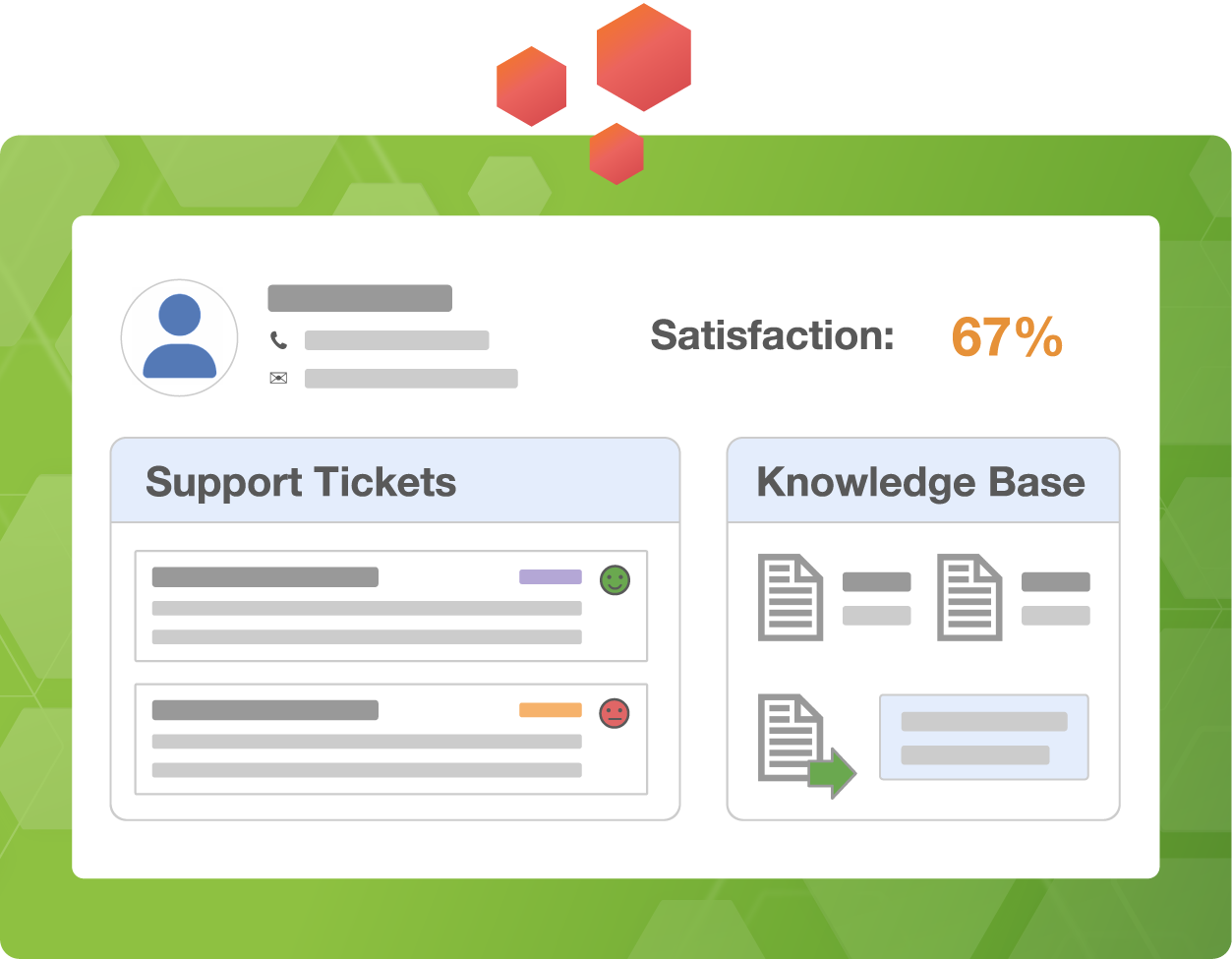
See a complete history of interactions, tickets, and feedback across all touchpoints in one centralized view.

Knowledge Base

A searchable help center filled with FAQs, guides, and tutorials reduces incoming tickets and boosts customer independence.

Customer Portal

Offer a secure space where customers can log in to view their tickets, upload documents, and track resolution status in real time.

Canned Responses

Save time and maintain tone consistency by creating reusable replies for frequently asked questions or scenarios.

Public/Private Help Articles

Control visibility by publishing articles to your external help center or restricting internal documentation to team members only.

Feedback Widgets

Embed simple, targeted feedback forms in tickets, emails, or the help center to capture satisfaction ratings and suggestions.

Chat Transcripts & History

Ensure seamless handoffs between agents with access to full chat logs and conversation history at a glance.

Performance, Insights & Automation

Delivering excellent service at scale demands data-driven oversight and intelligent automation.

Give managers and agents the tools to track performance, identify gaps, and continuously improve.

From automated ticket routing and customer sentiment detection to agent KPIs and feedback tracking, every feature is designed to reduce manual effort and raise service quality. These tools keep your operations sharp, your customers happy, and your team focused on what matters most.

Ticket Routing & Assignment Rules

Automatically assign tickets based on agent workload, skill set, or ticket type to ensure faster resolutions and balanced queues.

Customer Sentiment Analysis

Leverage AI to detect tone and sentiment in messages, helping prioritize critical issues and effectively tailor responses.

Tagging & Categorization

Use tags and categories to organize tickets by topic, source, or urgency, making reporting, assigning, and improving easier.

CSAT & Feedback Reporting

Capture satisfaction scores through surveys and convert customer feedback into actionable insights for coaching and improvement.

Service-Level Agreements (SLAs)

Set response and resolution time targets, and monitor adherence with automated alerts to stay ahead of SLA breaches.

Escalation & Workflow Triggers

Create triggers to escalate tickets automatically or kick off predefined workflows based on conditions like customer priority or ticket age.

Agent KPIs & Dashboards

Track individual and team performance with dashboards that monitor key metrics like response time, resolution rate, etc.

Performance Reports

To inform strategic support decisions, generate reports on volume trends, agent efficiency, resolution bottlenecks, and more.

Business Outcomes That Matter

-28%

Fewer Tickets for Agents

Automate common requests so your team focuses on more complex customer needs.

+25%

Customer Satisfaction

Keep customers happier and
reduce churn with consistently
better support.

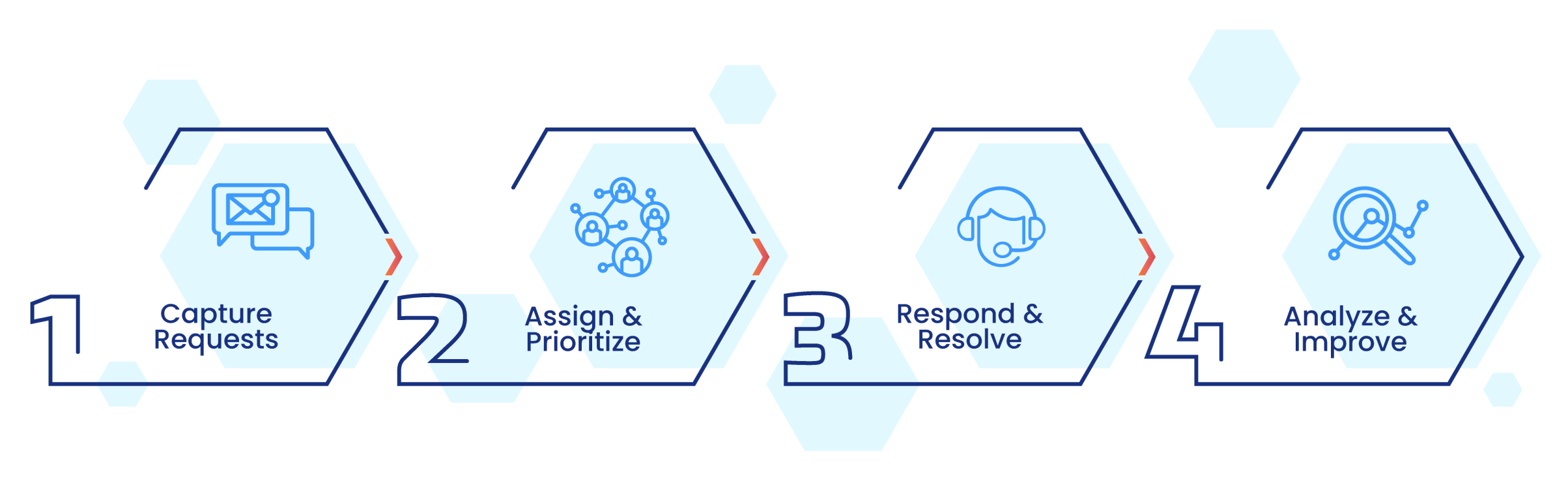
Simple Steps to Better Customer Service
One Platform
for your
Entire Business

CRM

Manage customer relationships end to end.

Sales

Streamline sales processes and close deals faster.

Business Intelligence

Analyze business performance and stay ahead.